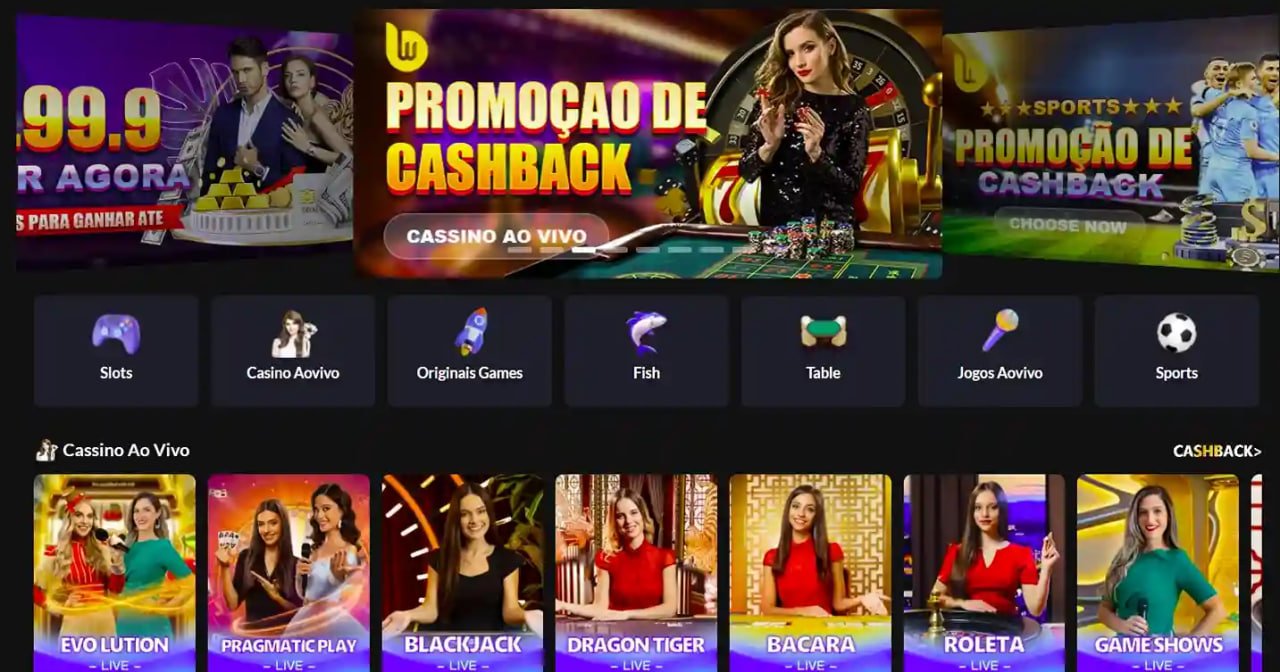
Download the bt299 app now. Install in just 3 minutes and bring the full experience of Bangladesh's best betting platform to your fingertips.
The bt299 app works on both Android and iOS. Choose whichever option matches your device below.
Download the APK file directly and install it in minutes — no Google Play required.
Android APK DownloadBefore downloading, enable installation from "Unknown Sources"
To use bt299 on iPhone or iPad, open bt299.onl in Safari and add it to your Home Screen.
iOS Installation GuideSafari → Share icon → Select "Add to Home Screen"
Bt299 runs well on most smartphones in Bangladesh. High-end specs are not required.
| Operating System | Android 5.0+ |
| RAM | Minimum 2 GB |
| Storage | 50 MB Free Space |
| Internet | 3G/4G or Wi-Fi |
| Processor | Quad-core 1.4GHz+ |
| Operating System | IOS 12.0+ |
| Device | IPhone 6S or newer |
| Browser | Safari (latest) |
| Internet | 3G/4G or Wi-Fi |
| Storage | Not Applicable |
Click the "Android APK Download" button above. The file will be saved to your phone's Downloads folder.
Enable Settings → Security → Unknown Sources. Alternatively, opening the APK directly from the file manager will prompt you for permission automatically.
Go to your Downloads folder, tap the bt299.apk file, and press "Install".
Installation takes just 1–2 minutes. Once done, tap the "Open" button to launch the app.
Log in if you already have a bt299 account, or create a new one right away.
Open Safari on your iPhone or iPad. It is best to avoid using Chrome or Firefox.
Type bt299.onl in the address bar and wait for the website to load.
Find the Share icon at the bottom of Safari (a square with an upward arrow) and tap it.
Tap "Add to Home Screen" from the menu. Keep the name as is and tap "Add".
The bt299 icon will now appear on your Home Screen. Tap it to use bt299 just like a native app.
The bt299 mobile app is not just a smaller version of the website. It was built specifically with Bangladesh's mobile users in mind.
Bt299 uses optimized loading, so it runs smoothly even on a slow connection and uses less data.
Get instant notifications when a match starts, a bonus is credited, or a withdrawal is confirmed.
Log in instantly with your fingerprint or Face ID. No need to remember your password.
Dark mode activates automatically for a comfortable viewing experience during late-night sessions.
Watch live scores and select match streams for cricket and football directly in the app.
Deposit and withdraw directly from the app. Mobile banking and e-wallets are supported.
Every transaction and personal detail is protected with AES-256 encryption. Your data stays secure against hacking.
The official bt299 APK is completely virus-free and malware-tested. Download only from bt299.onl. Do not download from third-party sites.
Smartphone usage in Bangladesh is growing rapidly, with most people accessing the internet primarily on mobile. bt299 recognizes this reality and has made its mobile app a top priority. If you currently use bt299 on desktop, downloading the app unlocks a range of features that simply aren't available in a browser.
Many people wonder why they need a separate app when the browser does the job. The bt299 app actually offers exclusive features not available in a browser – such as push notifications, biometric login, offline match schedule viewing, and faster loading thanks to cached data.
Download the bt299 app and unlock app-exclusive promotions. Special bonuses and cashback offers are available regularly for app users and can only be claimed through the app.
Many users in Bangladesh see an "Install Blocked" message the first time they try to install an APK. This is normal – Android blocks installations from sources other than the Play Store by default. You can fix this by going to Settings → Apps or Settings → Security and enabling "Unknown Sources" or "Install unknown apps".
On Samsung phones, go to Settings → Biometrics and Security → Install Unknown Apps. On Xiaomi or Redmi phones, go to Settings → Privacy → Unknown Sources and enable it. Once the app is installed, you can turn it off again.
Bt299 will notify you automatically when a new version is available. An update button will appear right inside the app. Each update brings new features, new games, and improved performance. bt299 releases regular updates because we are always working to improve the user experience.
Installing the bt299 app only requests the permissions it actually needs. We do not access your contacts, gallery, or any other personal data. Only network permission and storage permission (for downloads) are required. To read our full privacy policy, Click here।

Install in just 3 minutes and start enjoying Bangladesh's best betting app.